
A Secret Santa wish list tells the person who drew your name what you want, inside the group budget. Without a list, your Santa has to guess, and most guesses end as a candle or a mug. This guide shows what to put on your Secret Santa wish list, what to leave off, gift ideas by budget, and how to get the list to your Santa without revealing who drew who.
What to put on a Secret Santa wish list
- Stay inside the budget. Check the price limit before you add anything. An item at the top of the limit is fine. An item above the limit puts your Santa in a bad position.
- Add 3 to 5 ideas. One idea feels like an order. Ten ideas hide the ones that you want most. Three to five ideas give your Santa a real choice.
- Mix the price points. Put one or two items well under the limit. Then your Santa can stay under budget or add a small extra.
- Be specific. Give the exact product, the size, the color, and a link to the correct store page. “A blue sweater” can go wrong in many ways. A link to the sweater in size M cannot.
- Add one open idea. A category such as “any dark chocolate” or “a paperback thriller” lets your Santa choose, and the gift still fits.
- Say what to avoid. Write down allergies, scents that you dislike, and things that you already have. One line can stop a wrong gift.
What to leave off
- Cash, or items over the budget.
- “Surprise me” as the only entry. It gives your Santa no information.
- Items that ship slowly or only to some countries. In a remote group, make sure that your Santa can order the item and get it to you before the exchange date.
- Very personal items at a work exchange, for example clothing, perfume, or anything that needs an exact fit.
Secret Santa wish list ideas by budget
These gifts suit most Secret Santa groups. Paste any link below into your wishlist, and the details fill in automatically. Prices change often, so check the price before you add an item.
Under $15
Small gifts that still feel personal.

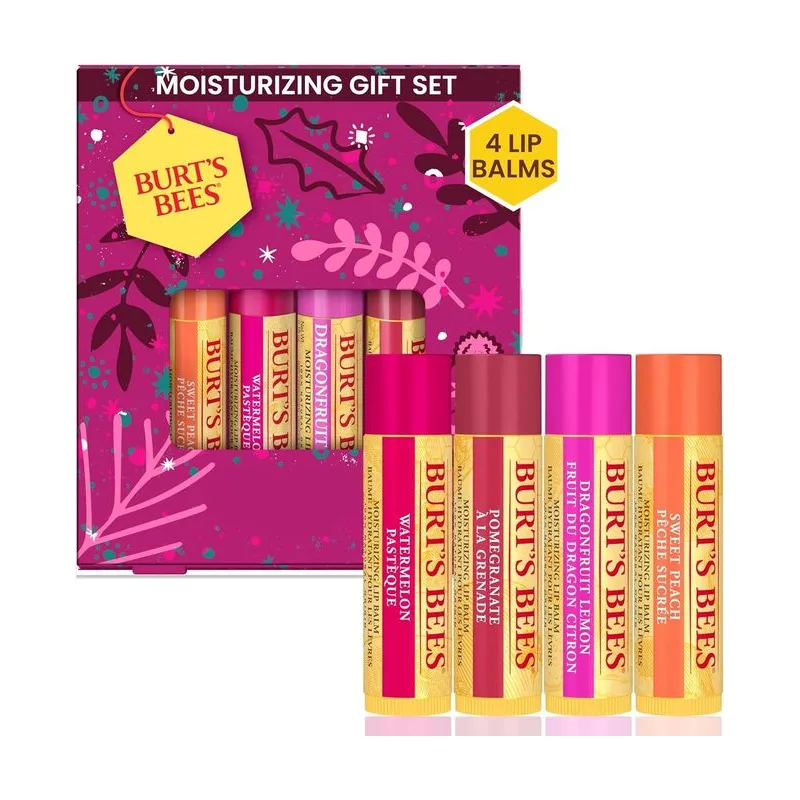
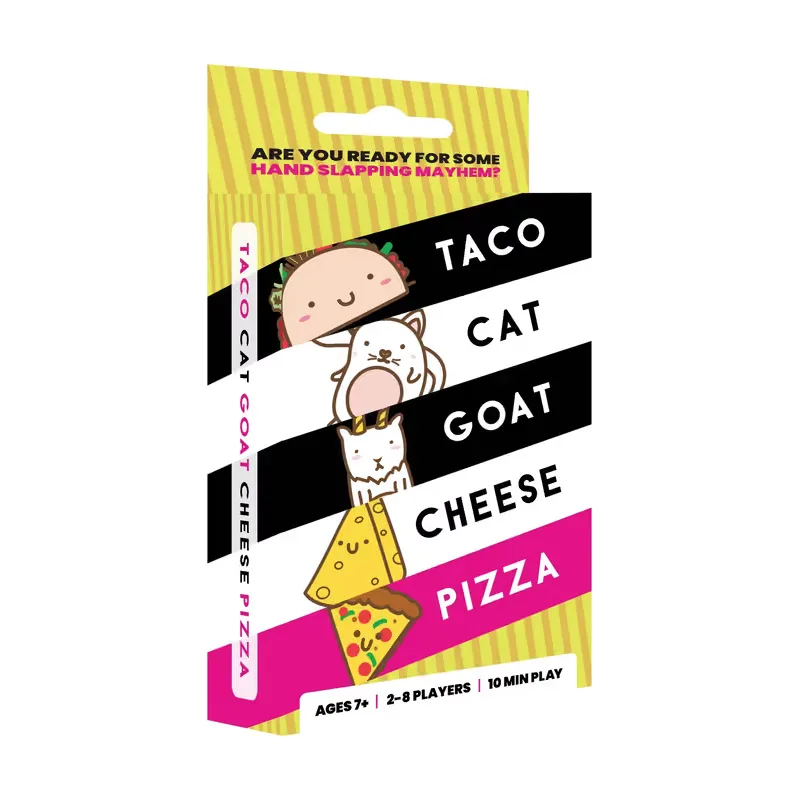

Some links are affiliate links. WishGrid may earn a small commission from purchases. Your price stays the same.
$15 to $30
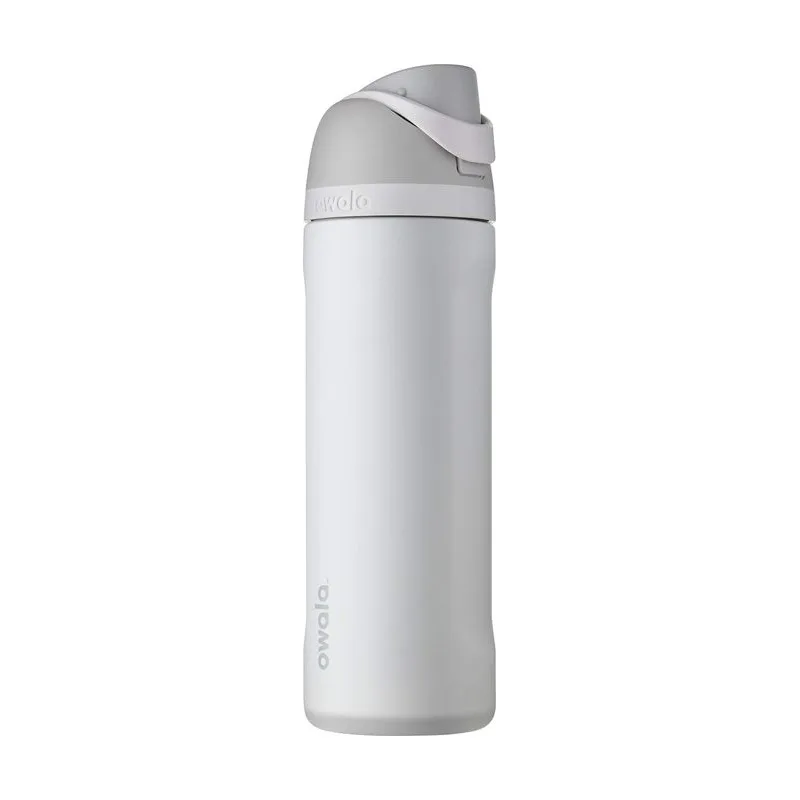
The most common Secret Santa budget.
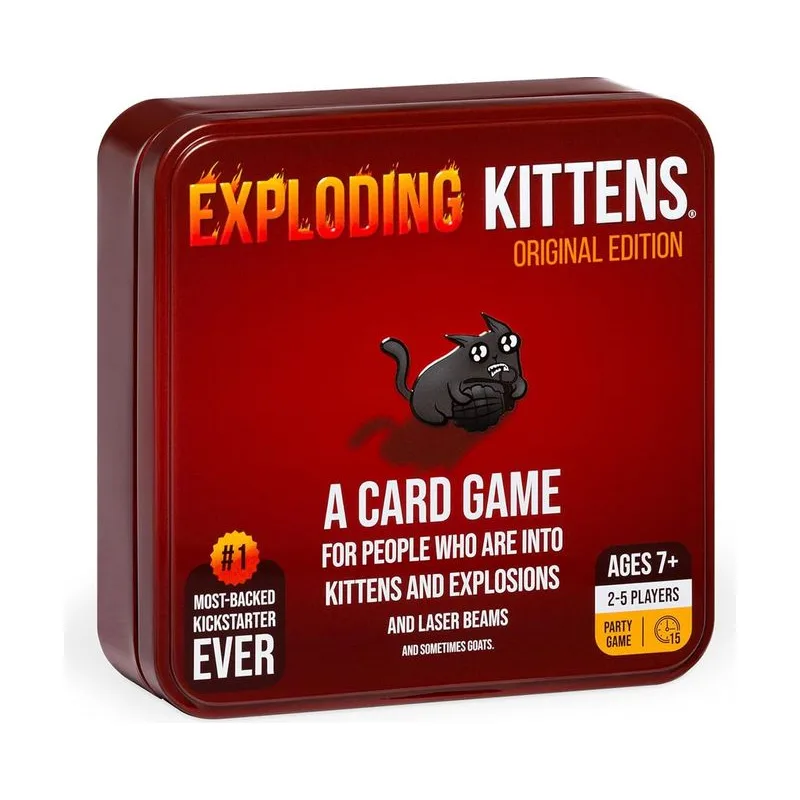
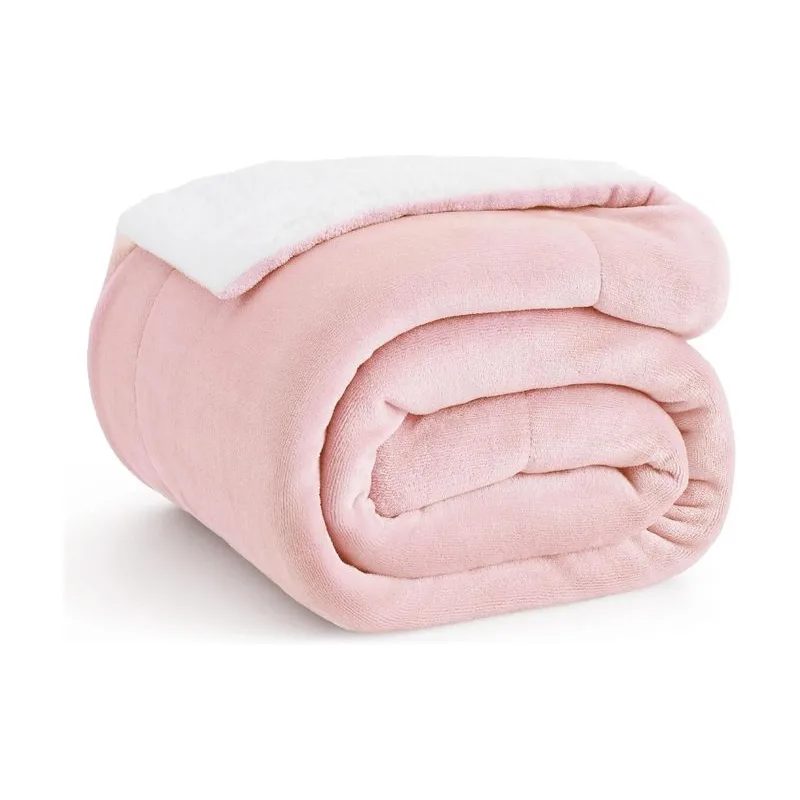

Some links are affiliate links. WishGrid may earn a small commission from purchases. Your price stays the same.
$30 to $50
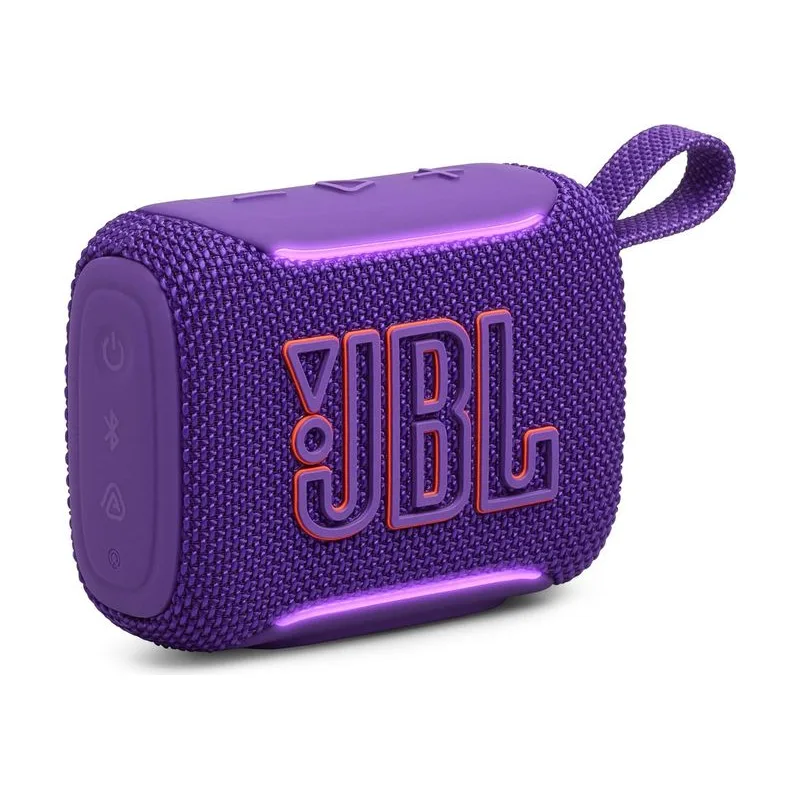
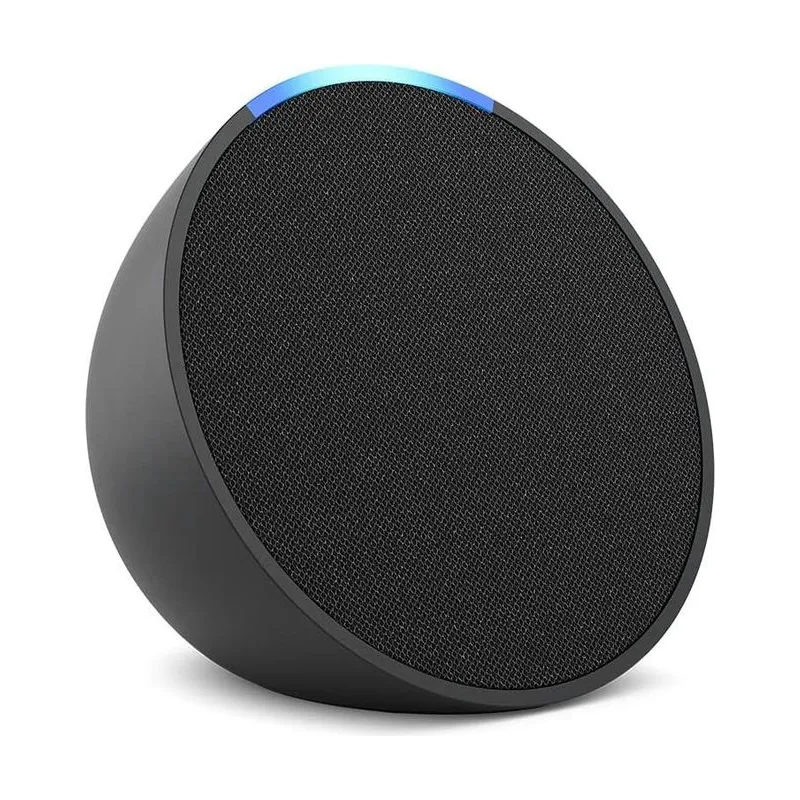
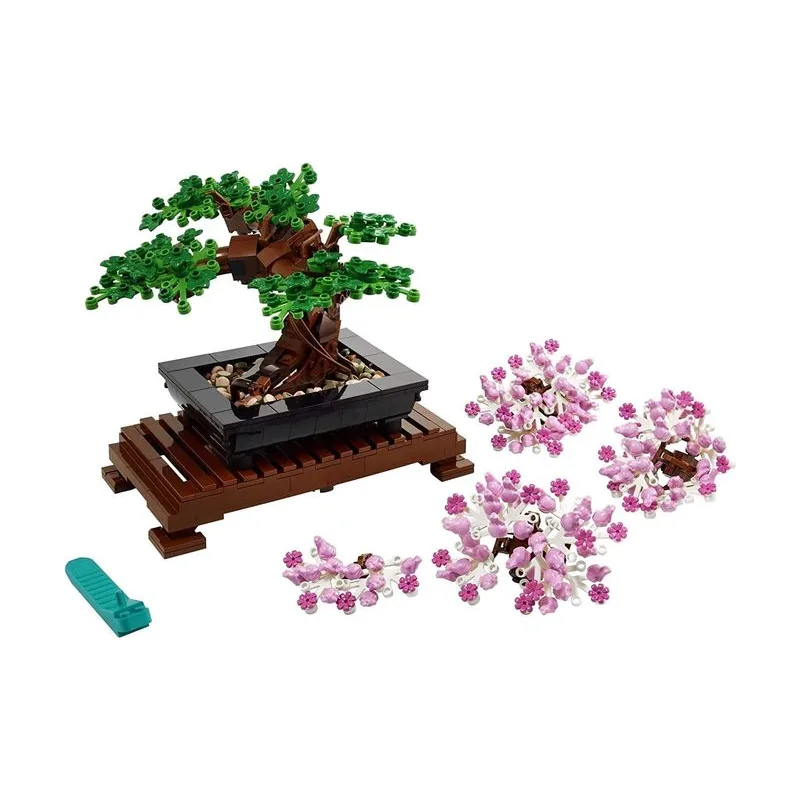
For groups with a bigger budget.
Some links are affiliate links. WishGrid may earn a small commission from purchases. Your price stays the same.
Office Secret Santa wish list
At work, keep the list neutral and easy to buy. Most office groups set a budget between $15 and $25. Good office ideas are desk items, snacks, a mug for your favorite drink, a book, or a plant. Leave off clothing, joke gifts, and alcohol if the group does not allow it. Add any allergy or diet rule to the list, so that food gifts are safe.
How to share your list with your Secret Santa
A paper list gets lost. A message in the group chat moves out of sight in a day. A list with a link stays in one place, and you can change it until the exchange.
There are two common ways to get the list to your Santa without revealing the match:
- The organizer collects the links. Each person sends a list link to the organizer. The organizer then sends each link to the correct Santa.
- Everyone posts a link in the group. Each person posts a list link in the group chat or the email thread. Each Santa then opens the list of the person that they drew. Because the group sees all of the lists, the post does not show who drew who.
Send your link early, at least two weeks before the exchange. Your Santa then has time to order and ship the gift.
How to make a Secret Santa wish list in WishGrid
- Create a free account on WishGrid and make a new wishlist. Give it a clear name, for example “Secret Santa 2026”.
- Paste a product link from any online store. WishGrid fills in the item details for you. The iPhone and Android apps load details from more stores than the web version. For more ways to add items, read how to save items from any store.
- Add custom items for things that have no link, such as your favorite snacks, an experience, or an open category.
- Write the size, the color, and other details in the info field of each item.
- Set the list to Public, and copy the link.
- Send the link to the organizer, or post it in the group.
Your Santa opens the link in a browser. Your Santa does not need an account or an app to see the list. WishGrid is free and has no ads.
If your family also shares gifts outside the exchange, read how to make a group wishlist with friends. To compare other tools, see the best Christmas wishlist makers to share with family.